Local SEO in Pakistan: How Clinics, Restaurants and Solar Companies Get Found on Google and Maps

Hey, I’m Umar. Marketing is the work I still get excited about, from writing and YouTube to digital marketing and what AI can do for a real business. The part I enjoy most is the unglamorous part: watching a local business fix a few small things on Google so that the people already looking for it can actually reach it.
This article is about that part. It is written for owners of dental clinics, restaurants and solar companies in Pakistan who want to understand what local SEO in Pakistan really involves, without jargon and without anyone promising a top spot. Google decides what it shows. Your job is to give it, and your customers, accurate and complete information.
1People in Pakistan check Google and Maps before they pick up the phone
Open now decides who gets the tap
People compare a small group on the map — stars, photos, and a Call button — then choose what looks real, open, and close enough.
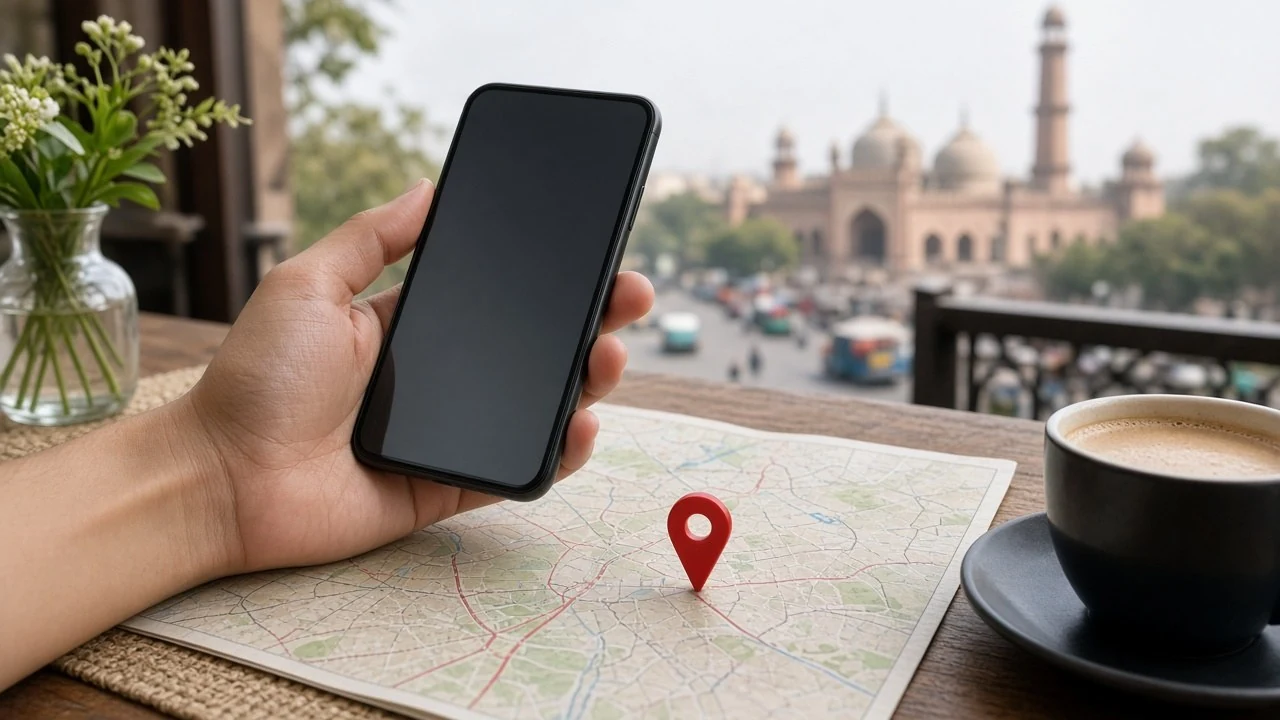
Most customers search on their phone, compare two or three options on the map, and only then call, message on WhatsApp, or drive over.
Look at the searches Google itself suggests. When you start typing “dentist near me”, Google offers “dentist near me open now” and “dentist near me open today”. Type “restaurant near me” and you see “restaurant near me open now” and “restaurant near me with delivery”. Start with “solar company” and Google offers “solar company near me for home” and “solar company lahore”.
Those suggestions show that people search by need and place, not by brand, and that they care about right now. “Open now” appears again and again. Then they compare a small group of businesses on the map, with stars, photos and a “Call” button, and tap the one that looks real, open and close enough.
Even customers referred by a friend often search your name to check the location, timings and reviews before they come.
2How to add business on Google Maps, and what to fill in
Verify before you polish
Use a Google account the business controls. Whoever owns that account owns your Maps listing.
You add a business through a Google Business Profile, which is free, and then you verify it so Google knows you actually run it. Search for your business on Google Maps first. If a listing already exists, claim it instead of creating a second one, because duplicate profiles confuse customers and break Google’s rules.
When people ask how to verify Google Business Profile ownership, the honest answer is that Google chooses the options it shows you. It may be a phone or SMS code, an email, or a short video of your premises. For a video, show your signboard, the street around you, and proof that you run the place. Use a Google account that belongs to the business, not a staff member’s personal Gmail. Whoever controls that account controls your Google Maps listing.
Once verified, fill in every section with care. This is where a Google Business Profile in Pakistan usually goes wrong.
Name. Use the name exactly as it is written on your signboard. Do not add “Best Dentist DHA” or “Cheap Solar Lahore” to the name. Google treats that as keyword stuffing and can suspend the profile. A city belongs in the name only if it is part of your real trading name, printed on your board and your documents.
Category. Pick the primary category that describes the main thing you do. Add secondary categories only if they are genuinely true.
Address and pin. Plaza, market and sector addresses in Pakistani cities often confuse Google. Check on a phone that the pin sits on your entrance, and drag it if needed.
Phone. Use a number that is answered during your listed hours. If WhatsApp is how you take bookings, make sure that number is the one people see.
Hours. Fill in normal hours and use the special hours feature for days when they change.
Services or menu. List what you actually offer, in the words a customer would use.
Photos. Upload real photos of your front, your signboard, your inside space, your team at work and your products. Skip stock photos; customers can tell.
Description. Write a few honest lines about what you do and where. No phone numbers, no links, no capital letters shouting offers.
Not sure which profile fields to fix first?
If this sounds like a lot to check at once, ask us for a free Google visibility audit and we will tell you which of these fields need fixing first.
Why is my business not showing on Google Maps?
The most common reasons are simple ones. The profile may not be verified yet. It may be suspended because of a stuffed name or a wrong address. There may be two listings for the same place, splitting the information. The pin may sit in the wrong spot. Or the search being tested is too far from your location, because Google weighs distance heavily for “near me” searches.
Search your exact business name first. If you do not appear even then, the problem is the profile itself.
3A dental clinic's listing has to answer a nervous patient's first questions
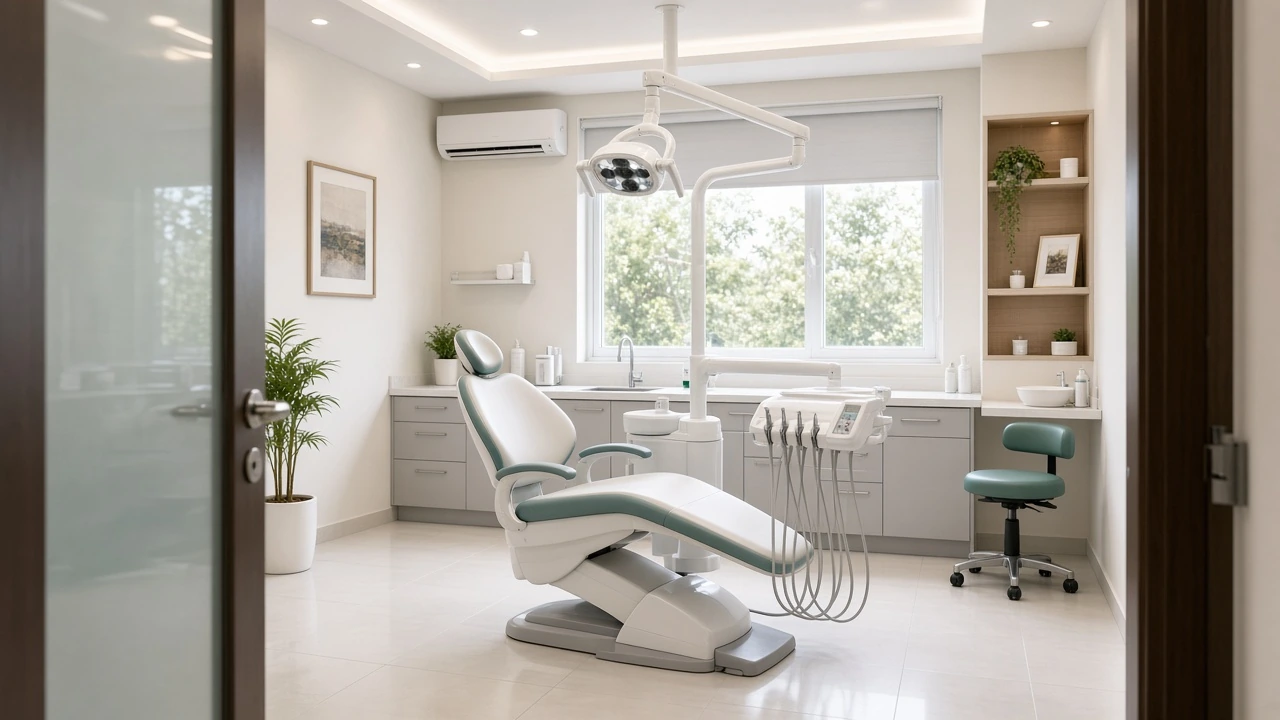
For a dental clinic, the listing should make it easy to know when you are open, where you are, what treatments you offer and how to book. Patients are often anxious, and a clear, calm listing helps them decide to call.
Some practical points for dental clinics:
- Timings and the doctor's days. Many clinics have different doctors on different days, or evening-only slots. Your Google hours should match when a patient can actually be seen, not when the receptionist arrives.
- Treatments as services. Add the treatments you really provide, such as scaling, fillings, root canal treatment, braces or implants, but only if you do them at that branch. Keep the descriptions factual.
- No health claims. Do not promise painless treatment, perfect results or outcomes of any kind. Describe what you offer and let the patient ask questions.
- Photos that build trust. A clean reception area, the treatment room, sterilisation equipment, the signboard and the entrance. Ask your team before posting their photos, and never post patient photos without clear written consent.
Patients who search “dentist near me open now” are usually in some discomfort. Wrong hours send them somewhere else. For a fuller picture of how we approach this work, see our page on digital marketing services for dental clinics.
4A restaurant's listing lives or dies by its hours and its menu
Hours and menu come first
Update special hours before Ramadan and Eid. Keep the online menu matching what you actually serve tonight.
For a restaurant, the two things customers check most are whether you are open right now and what you serve. Get those right before anything else.
Hours in Pakistan change more often than many owners realise. Think about:
- Ramadan. Many restaurants close during the day and open for iftar and sehri. Update your hours before the first fast, not halfway through the month. Use Google’s special hours so your normal timings come back automatically afterwards.
- Eid and public holidays. Some places close for a day or two, others stay open late. Either way, tell Google ahead of time.
- Delivery and takeaway. If you deliver, set the correct service options. People type “restaurant near me with delivery”, and the listing should show them that you offer it.
Your menu deserves the same care. Upload a clear, current menu, either as items in the profile or as readable photos. If you change dishes, change the menu online too.
Food photos matter, but real ones matter more. A phone photo of the actual biryani, with good light, is better than a polished stock image that looks nothing like your plate. Add your seating, family area and front.
We cover restaurant marketing in more depth on our page about digital marketing services for restaurants.
5A solar company's listing should show where it really works and what it has installed
List only cities you can serve
Service areas and real installation photos — with permission — beat empty claims about the whole country.
For a solar company, the listing has to make two things obvious: the cities where you actually install, and proof that you have done the work.
Service areas. Most solar companies visit the customer, so Google lets you set service areas. List only the cities and areas where you have actually installed systems and can send a team. If you are based in Lahore and also install in Faisalabad, list both. If you have never worked in Karachi, do not add it because it is a big market.
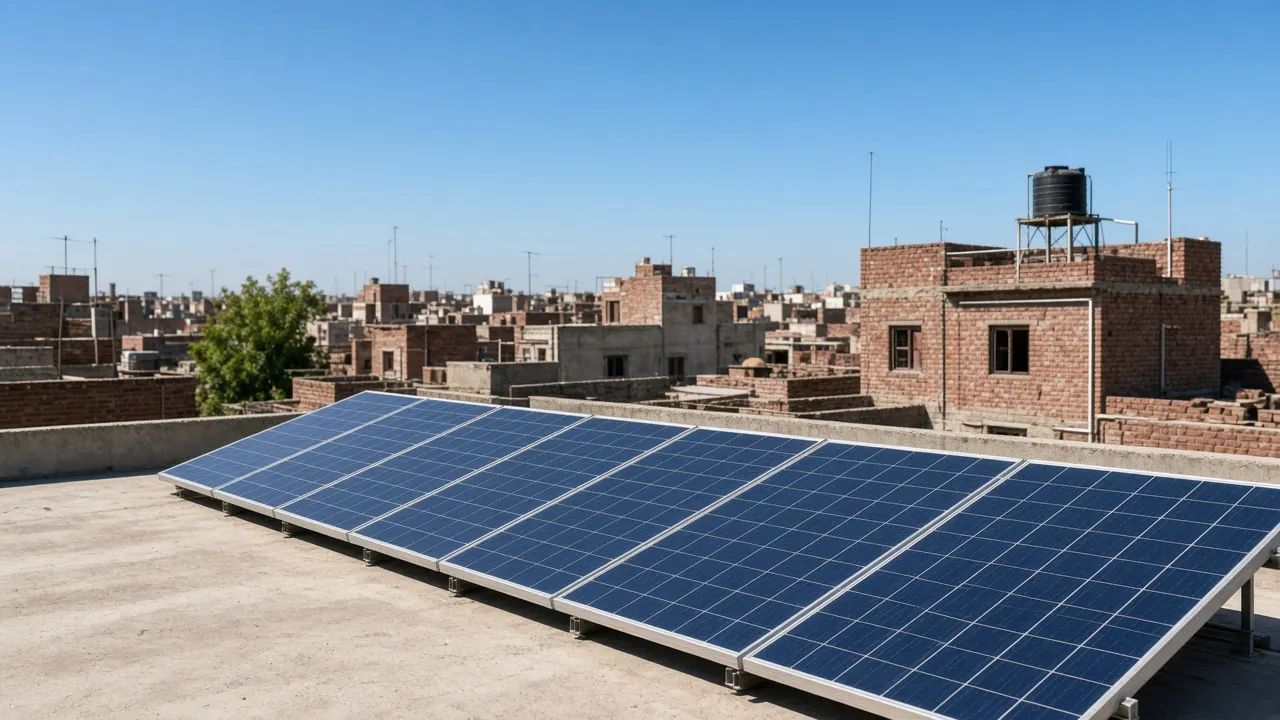
Photos of real installations. Rooftop panels you installed, inverter setups, your team on site and your office. Ask the customer’s permission before posting a photo of their home, and avoid showing house numbers.
Services described plainly. Residential systems, commercial systems, on-grid, hybrid, net metering paperwork, maintenance and cleaning, if you offer them.
No savings claims. Do not write that customers will cut their electricity bill by a certain amount or pay back their system in a set time. Every roof, load and tariff is different, and those claims can create disputes later. Say what you install and offer a site survey.
People type “solar company near me”, and Google also suggests searches like “solar companies in lahore pakistan” and “solar company near me for home”. A listing that clearly shows home installations in the cities you serve gives those searchers what they came for.
You can read how we work with installers on our page about digital marketing services for solar companies.
6Your website is where a customer confirms the listing is real
The website is the place a careful customer goes after seeing your Google Maps listing, to confirm that what they saw is true and to learn more. It does not need to be big. It needs to agree with the listing and answer the next set of questions.
Check that these match exactly across your profile, your website and your social pages:
- business name
- address and landmark
- phone and WhatsApp number
- opening hours
When these disagree, customers hesitate, and Google has a harder time trusting your details too.
Beyond matching details, a useful local website has:
- A page for each main service. For example, key treatments, the menu, or home and commercial solar.
- A location page for each real branch. If you have two branches, give each its own page with its own address, map, hours and photos. Do not create pages for cities where you have no branch or no service.
- A clear next step on every page. A call button, a WhatsApp button, or a short form. On a phone, the customer should never need to scroll far to reach you.
Link your website in your Google profile, and link your Maps location from your contact page.
We write about how this works for businesses in specific cities, such as Lahore, Islamabad, Karachi and Faisalabad. These are examples of cities we cover, not a suggestion that your business should claim all four. Mention only the places you actually serve.
Do your website and listing tell the same story?
If you want a second pair of eyes on whether your website and listing tell the same story, send us a message for a free Google visibility audit.
7Real reviews come from asking real customers at the right moment
The way to get reviews is to ask genuine customers, politely, soon after a good experience, and make it easy for them. Never buy reviews, never write them yourself, and never ask staff or relatives to post as customers. Google removes fake reviews and can restrict the profile.
If you are wondering how to get reviews on Google Maps without crossing a line, these habits help:
- Get your review link. Your profile gives you a short link that opens the review box directly.
- Ask at the right moment. A dental patient after a check-up that went smoothly. A family as they pay the bill and say the food was good. A solar customer once the system is running and the paperwork is done.
- Send it on WhatsApp. Thank them and ask if they would share their experience.
- Do not offer rewards for reviews. Discounts or free items in return for reviews break Google’s rules, even if the reviews are honest.
- Reply to every review. For negative ones, reply calmly and offer to sort it out by phone. Other customers read your replies too.
For clinics, take extra care in replies. Do not confirm that someone is your patient or mention any treatment details, even if they did in their review. A general thank-you or an invitation to call the clinic is enough.
8Ads make sense once the listing and website are already solid
Google Ads are worth considering when your profile is complete, your website works well on a phone, and you want to appear for certain searches while the organic side builds. Ads do not fix a weak listing. They send more people to it, so the basics have to be in place first.
Ads can make sense when:
- you have opened a new branch and want people nearby to know quickly
- you have a seasonal moment, such as Ramadan menus for a restaurant or the summer enquiry season for solar
- you want to appear for a specific service in a specific area where you genuinely operate
Keep the targeting tight. Show ads only in the areas you genuinely serve or deliver to.
One thing to be clear about: the ad budget is paid to Google and is separate from any monthly management fee for running the campaigns. You decide the budget, and you should be able to see where it is going.
You can see the full range of what we manage, including ads, on our services page.
9A simple monthly check takes about an hour and keeps things accurate
About an hour keeps things true
Search your name, check suggested edits, set holiday hours, reply to reviews, and tap your own call buttons.
Once a month, set aside an hour to check your listing, your website and your reviews. The goal is not to chase a position. It is to make sure nothing has gone wrong and everything a customer sees is still true.
Here is a checklist you can use:
- Search your business name on Google and Maps from your phone. Is the profile showing, with the right name, pin and phone number?
- Check for suggested edits. Anyone can suggest changes to a listing, and Google sometimes applies them. Make sure your hours, category and phone have not been changed without your knowledge.
- Look ahead at the calendar. Is Ramadan, Eid or a public holiday coming? Set special hours now.
- Add a few new photos. Recent work, a new dish, a renovated room, a fresh installation.
- Reply to new reviews you have not answered yet.
- Open your website on a phone. Tap the call and WhatsApp buttons. Do they still work? Does the page load quickly?
- Look at the profile insights. Google shows how people found you and what they did, such as calls, direction requests and website clicks. Use them to spot trends, not to judge one week against another.
- Post an update if you have something real to share.
Write down what you changed each month, so you have a record instead of guesses.
If you work across more than one type of business, or want to see the sectors we work in, visit our industries page.
?Frequently asked questions
Is Google Business Profile free in Pakistan?
How long does it take to verify a Google Business Profile?
Can I put my city name in my business name on Google?
Why does my business show on Google but not on Google Maps "near me" searches?
Should I reply to negative Google reviews?
✓Getting started
Local search comes down to accurate information, real photos and honest reviews, checked regularly.
If you want to know where your business stands right now, ask for a free Google visibility audit. We will look at your profile, your website and your reviews, and tell you plainly what to fix. Message us on WhatsApp at 0324 6908121 or tap https://wa.me/923246908121 to start the conversation.
Written by Umar Butt
Entrepreneur, YouTuber, and writer. I write about marketing, local search, and what AI can do for a real business in Pakistan.