
Patients Google you before they call. Is your clinic ready?

Hey, I'm Umar. Marketing is the work I still get excited about, from writing and YouTube to digital marketing and what AI can do for a real business.
Before a patient phones your clinic, they will often look you up first. They may type your clinic’s name, or simply search for a dentist in their area. From what appears on the screen, they decide whether to call, send a message, or move on.
Your Google Business Profile, website, and social pages speak for the clinic before your receptionist picks up the phone.
This article explains what you, as a dental clinic owner in Pakistan, can check and improve. It does not promise rankings or patients. Google decides what to show, and a complete listing does not guarantee a position or a full waiting room. What good work can do is make sure that when a patient finds you, the information is accurate, clear, and easy to act on.
1What a dental clinic's digital presence is
A dental clinic’s digital presence is everything a patient can find about your practice online before they contact you. It includes your Google Business Profile, your website, your social media pages, any advertising you run, and the reviews and replies attached to your name.
Each part has a different job:
- Google Business Profile: helps a patient find you in local search, see your hours and location, and call or get directions.
- Website: explains your services, team, and location, with a clear route to an inquiry.
- Social media: shows the real practice, its team and premises, between visits.
- Advertising: reaches people in a chosen area, for a budget you choose.
- Reviews and replies: show what patients say and how you respond.
These parts work best when they agree. If your profile shows one phone number, your website another, and your Facebook page a third, a patient may not know which to trust. The same applies to your address, your hours, and the spelling of your clinic’s name.
For an overview of how this work can be organised for a practice, see our page on digital marketing services for dental clinics.
2How patients in Pakistan look for a dentist
Your Maps listing is the first impression
Name, stars, open-now status, and three buttons: call, directions, website. Each one has to work, and each detail has to match your signboard.
Many patients begin with a search on their phone, using words such as “dentist near me”, a treatment name, or the name of their area. They then compare a few clinics on location, hours, photos, reviews, and how easy it is to get in touch.
Patients referred by family or colleagues often still search your clinic’s name to check where you are, whether you are open, and what others have said.
Before they call, patients tend to have practical questions:
- Is the clinic open today, and in the evening?
- Where exactly is it, and is it easy to reach?
- Does it offer the treatment I am looking for?
- How do I book an appointment?
If your listing and website answer these questions clearly, the patient can contact you with confidence. If not, they may contact a clinic that does.
A practical exercise: search for your own clinic
Set aside thirty minutes and look at your clinic the way a patient would. Use a phone, because that is how many patients will see you.
- Search your clinic’s exact name. Note what appears and whether the details are correct.
- Search for a dentist in your area without using your clinic’s name. Compare the listings that appear with yours.
- Open your Google Maps pin. Check that it sits on your actual building.
- Tap the call button. Check that it rings a phone someone answers.
- Open your website from the listing. Check that it loads properly and that contact details are easy to find.
- Read your recent reviews and check whether each one has a reply.
3What the Google Business Profile should include
Your Google Business Profile should include your real clinic name, an accurate address and map pin, a working phone number, correct hours, a suitable primary category, your services, a short description, your website link, and real photos. Every detail should match what a patient sees on your signboard, your website, and your social pages.
Ownership and verification come first
Before you edit anything, confirm who controls the profile. In some clinics, the listing was created years ago by a former employee or contractor, and nobody now knows the login.
The profile should be owned by an account the clinic controls. Staff or an agency can be added as managers with their own access. If someone leaves, you remove their access without losing the profile.
If your profile is not yet verified, follow Google’s current verification steps as shown in your profile. These steps can change and can differ between businesses, so rely on what Google shows you rather than an old guide.
Writing the description
Your description should say what the clinic is, where it is, and who it serves. Keep it factual: the clinic’s name, its area, the services offered, and how patients can book.
Avoid words such as “best”, “painless”, “guaranteed”, or “permanent results”. These are claims, not facts, and they do not belong in a clinic’s public description.
Not sure what Google shows about your clinic?
We'll look at your Google Business Profile, website, and reviews the way a patient would, and tell you plainly what to fix first. No rankings promised.
4Which name and category to use
Use the exact name on your clinic’s signboard, with no added keywords, area names, or treatment names. Choose the primary category that most accurately describes your practice, and add further categories only where they genuinely apply.
It can be tempting to stretch your clinic’s name into a long line that includes the area, a list of treatments, and the word “best”. Do not do this.
Google’s guidelines ask businesses to use the name they use in the real world. Adding keywords goes against that guidance and can create problems for the listing. It also looks less trustworthy to a patient, who expects the name on the screen to match the name above your door.
Your area belongs in the address. Your treatments belong in the services list. Your description and website explain the rest.
Choosing categories
Your primary category tells Google what kind of business you are. Choose the one that best describes the practice as a whole. Add further categories only if they reflect a real, regular part of the practice. Accuracy matters more than coverage.
5Hours, services, and real photos, with no health claims
Set special hours before every holiday
Give one staff member the job of updating hours on Google, the website, and social pages whenever they change.
Keep your hours accurate, including public holidays, Eid, and Ramadan timings, and list the services you actually provide in plain words. Use real photos of your clinic and team, and describe what you offer without promising results, comfort, or outcomes.
Hours
Wrong hours quickly damage trust.
- Check your listed hours against your real hours for every day of the week.
- Before each public holiday, Eid, and Ramadan, set special hours in your profile and update your website.
- Give one staff member the job of updating hours whenever they change.
Services
List the services you actually offer, using words a patient would recognise. State what each service is, not what it will achieve for a particular patient. Only a consultation can establish what is suitable for an individual. Remove services you no longer offer.
Real photos only
Photos help a patient recognise your clinic before they arrive. Use real photos taken at your clinic, never stock images or photos from another practice. Useful photos include:
- the outside of the building, with your signboard visible
- the entrance, so patients can find the door
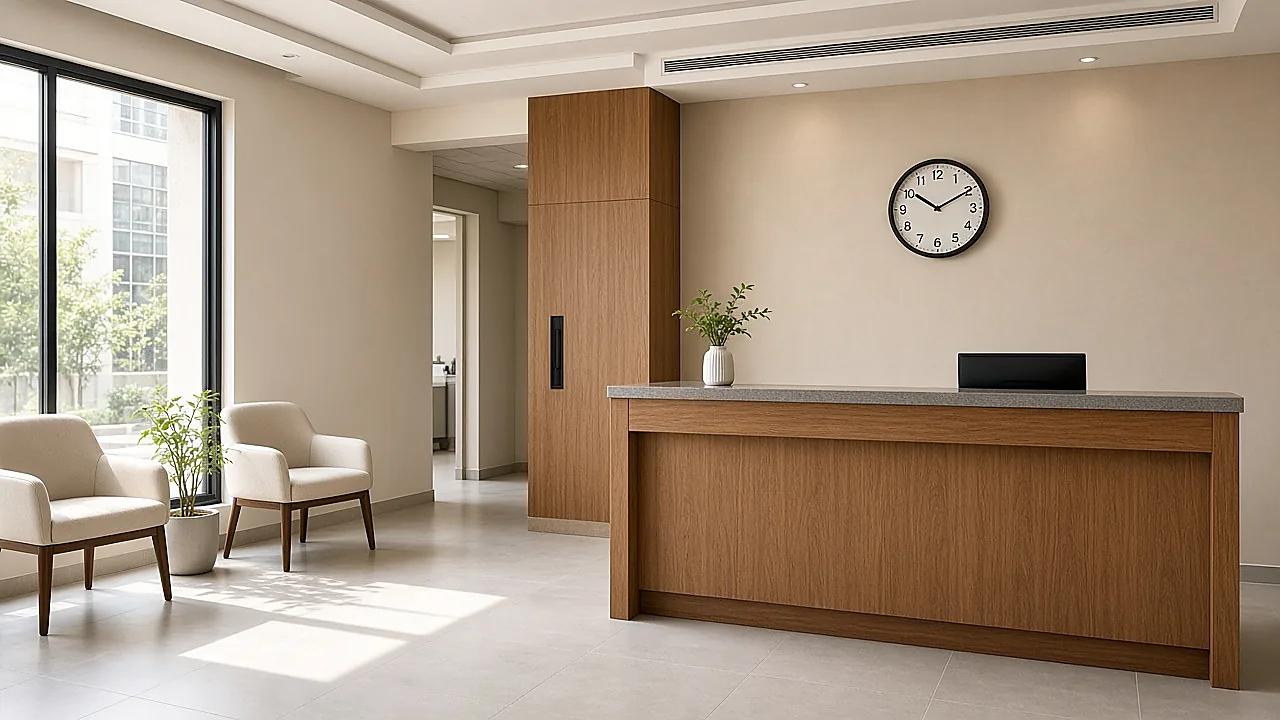
- the reception and waiting area
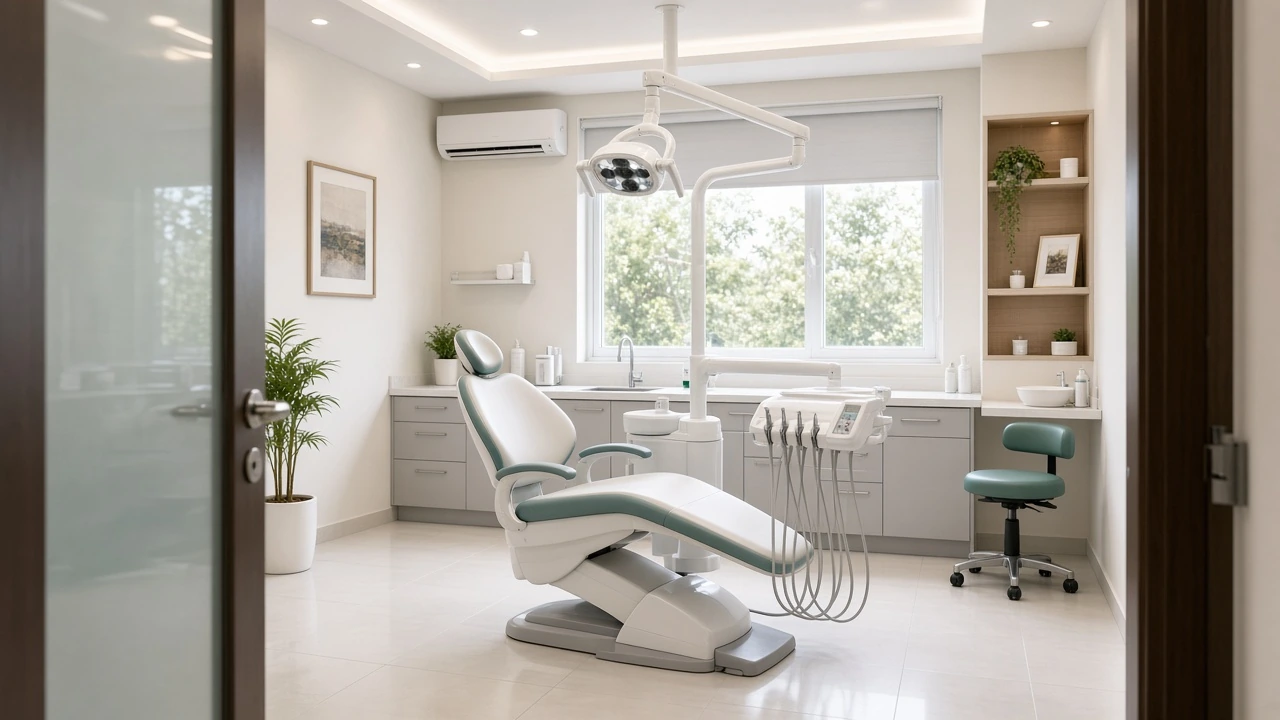
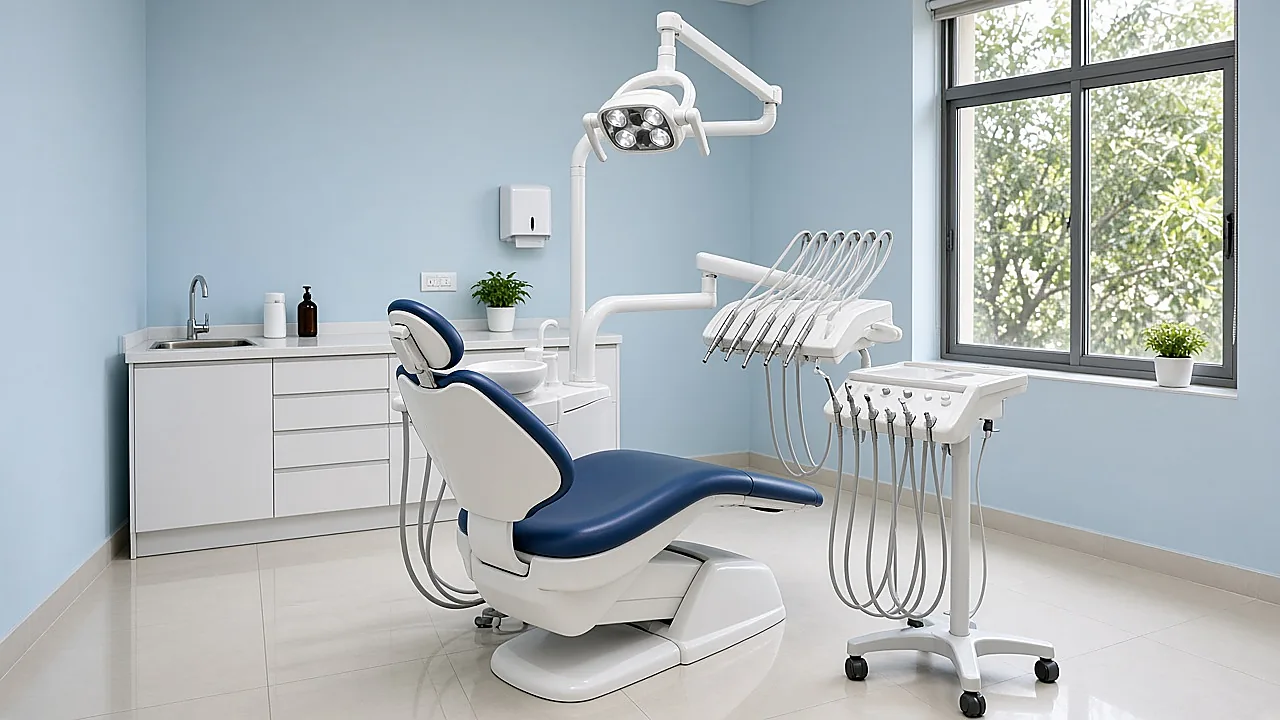
- a treatment room
- your team, with each person’s permission
Do not post photos of patients or their treatment in a way that could identify them. Patient privacy comes before marketing.
6How to answer questions before the call
Reply to every review, calmly
Thank people, acknowledge concerns, and move anything clinical to a private conversation. Never confirm someone is a patient.
Answer the questions patients commonly ask in the places they already look: your profile, your website, your review replies, and your WhatsApp responses. Clear answers on hours, location, services, and booking help a patient decide whether to contact you.
Start with a list of real questions
Ask your receptionist to write down every question patients ask over two weeks. The same questions will likely repeat: directions, parking, evening availability, which dentist is in on which day, and how to book.
Answer each one in plain words. Your website FAQ page is a natural home for these answers, and your profile description can carry the most important points.
Reply to reviews, carefully
Replying to reviews shows patients that the clinic is attentive. Thank people for positive reviews, and respond to negative ones calmly and politely.
There is one firm rule: do not discuss a patient’s medical details in a public review reply. Do not confirm that the reviewer is a patient, do not mention their treatment, and do not explain what happened clinically, even if the reviewer has shared those details.
A suitable reply to a negative review might read:
Thank you for your feedback. We take every concern seriously. Please contact our clinic directly so that we can look into this with you privately.
You can also ask patients to leave a review after their visit. Keep it voluntary. Do not offer discounts or gifts in exchange, and never write reviews yourself or ask staff to.
Handle messages and calls well
Some patients prefer to message before they call. If you display a WhatsApp number, someone must check it during opening hours.
- Decide who answers calls and messages, and who covers when that person is away.
- Prepare short standard replies for common questions, such as hours and how to book.
- Do not discuss clinical details over messages. Invite the patient to call or book a consultation.
- Record each inquiry in a simple log with the date, the source, and the outcome.
- Follow up once, politely, on inquiries that did not lead to a booking.
Following the inquiry matters as much as receiving it. A message left unanswered for a day may belong to a patient who has already booked elsewhere.
A fast reply often wins the booking
Prepare short standard replies for hours and booking. Keep clinical questions for a call or consultation, and log every inquiry.
Want a clear list of the questions patients ask before they call?
We'll help you answer hours, location, services, and booking in the places patients already look — profile, website, reviews, and WhatsApp.
7What the clinic website needs to do

Your website should explain who you are, what you offer, where you are, and how to get in touch, with a clear route to an inquiry on every page. It should work well on a phone, match your Google profile, and show the real practice.
The pages most clinics need
- Home page: a short introduction, your location, your hours, and clear contact options.
- Services: a plain explanation of each service, without promises of outcomes.
- Team: the dentists and key staff, with qualifications stated as they approve.
- Location and contact: full address, a map, directions, phone, WhatsApp, and a contact form.
- FAQ: answers to the questions your receptionist hears every week.
A clear route to an inquiry
A patient who has decided to contact you should not have to search for how. On a phone, the call and WhatsApp buttons should be easy to tap, and the contact form should ask only for what you need.
Decide who receives form submissions and how quickly they respond. A form that sends emails to an inbox nobody checks is worse than no form at all.
Practical website checks
- Open the site on a phone and check that text is readable without zooming.
- Tap every phone number and WhatsApp link to confirm they work.
- Submit the contact form yourself and confirm the message arrives.
- Check that the name, address, phone number, and hours match your Google profile exactly.
- Replace any stock photos with real photos of your clinic.
- Remove any claim you cannot support.
You can see the range of work we do, including websites, on our services page.
8Where social and ads fit, with ad spend kept separate
Social media shows the real practice between visits, and advertising lets you reach people in a chosen area when you decide to pay for it. Advertising spend is paid to the advertising platform and is separate from any monthly management fee.
Social media
Social pages give patients a sense of the people and place behind the clinic. Useful posts include team introductions, clinic updates, changes to hours, and photos of your premises.
The same rules apply. Use real photos, make no health claims, and do not discuss individual cases. Reply to comments politely, and move any clinical question to a private conversation or a consultation.
Advertising
Ads on search or social platforms can show your clinic to people in a chosen area at a chosen time. You decide the budget, and you can pause or adjust it.
Before running ads, make sure the basics are in place: an accurate profile, a website with a clear route to an inquiry, and someone ready to answer. Advertising sends people to your information; it cannot fix information that is wrong.
Platforms have their own advertising policies, including for health-related services, and every ad must follow them. Ads should describe your clinic factually, with no promises of results.
Keeping ad spend separate
Ad spend is the money paid to the platform for the ads themselves. It is separate from the fee for managing them. Keeping the two apart shows you exactly what goes to the platform and what goes to management, and lets you change your ad budget without renegotiating your plan.
9What to review each month, without promising enquiries
Each month, review whether your information is still accurate, how patients are finding and contacting you, and how quickly the clinic follows up. These checks show what is working and what needs attention, but they do not guarantee any number of enquiries.
A monthly review checklist
- Accuracy: check your profile name, address, phone, hours, and services, and confirm no incorrect edits have appeared.
- Upcoming changes: set special hours for holidays in the coming month.
- Reviews: confirm every new review has a suitable reply with no patient details.
- Photos: add new real photos and remove outdated ones.
- Profile performance: look at the performance information Google shows for your profile, such as how people found you and what actions they took.
- Website: check that forms, phone links, and WhatsApp links still work.
- Inquiry log: count calls, messages, and form submissions, and note their sources where you can.
- Response and follow-up: check how quickly inquiries were answered, whether any were missed, and whether follow-ups were sent.
- Advertising: if you run ads, compare spend with the inquiries they produced, and adjust or pause as needed.
Numbers rise and fall for many reasons, including season and changes in how Google displays results, so look at trends over several months. Focus on what you control: accurate information, quick replies, and consistent follow-up.
10What sits in one monthly plan
With IRA Tech Solution, a clinic agrees one monthly plan with one point of contact, covering the services it actually needs. That plan can include the website, search and Google Business Profile, social, content, and ad management, with advertising spend kept separate.
IRA Tech Solution is a digital team based in Lahore, working with small and medium businesses across Pakistan. Instead of managing separate freelancers for the website, the listing, and social media, you have one agreed plan and one person to speak to.
Not every clinic needs every service. A clinic with a strong website may only need help with its listing and social pages, while a new clinic may need everything from the start.
There is no public price, because scope differs from one clinic to another. The plan is agreed with you before work begins.
We work with businesses in many sectors, shown on our industries page. You can also read about our work in Lahore, Islamabad, Karachi, and Faisalabad.
?Frequently asked questions
Does a Google listing guarantee more patients?
Should the business name include extra keywords?
Can a clinic reply to a review with medical detail?
Is advertising spend part of the monthly fee?
Do you only work in Lahore?
Written by Umar Butt
Entrepreneur, YouTuber, and writer. I write about marketing, local search, and what AI can do for a real business in Pakistan.